
About this tool
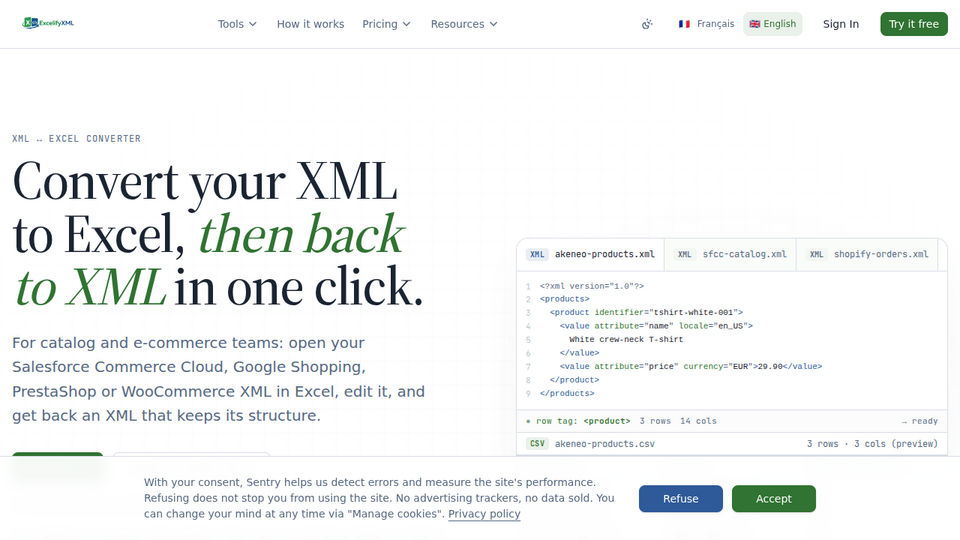
ExcelifyXML lets you edit an XML file in Excel without writing a script. Drop an XML file (up to 4 MB) on the free page and see, with no account, the element detected as a row, the number of rows and columns and the first 20 rows. For a file of 1 MB or less, you can also download a plain Excel table for free, twice a day. With a free account, you get a file you can edit in Excel, Google Sheets, LibreOffice or Numbers (.xlsx or CSV), then drop it back to rebuild the original XML with your changes. Rebuilding is free. It stops with an explanation, instead of producing a wrong XML, when a spreadsheet has damaged a barcode or some characters. Built for e-commerce teams, catalog managers, agencies and developers working with product feeds and catalog exports (Salesforce Commerce Cloud, Google Shopping, PrestaShop, WooCommerce, Magento). Files are processed in memory on EU servers and are not stored.
Related tools


Submit your Tool
Publish your website on Twelve.Tools and get a DR 83 dofollow backlink to boost your SEO
Submit Now